
Microsoft Word
Microsoft Word for Android is the mobile version of Microsoft's word processor. This page covers build 16.0.20228.20090.
140.5 MB

26.6.1.45942 · Adobe · Page updated
Adobe Acrobat Reader for Android is Adobe's free app for opening, reading, commenting on and signing PDF files on a phone or tablet.
Average 0.0 · ratings: 0
Thank you! Your rating is saved; you can change it. Could not save the rating. Please try again later. Too many ratings from your network today. Please try again tomorrow. The average appears after 5 ratings.
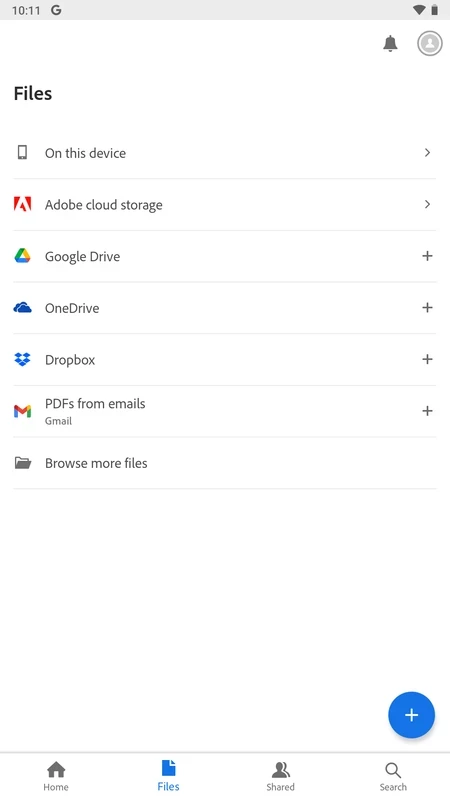
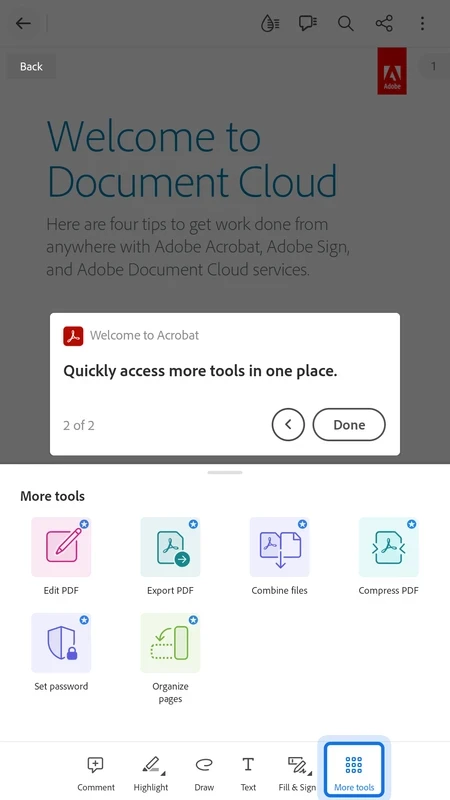
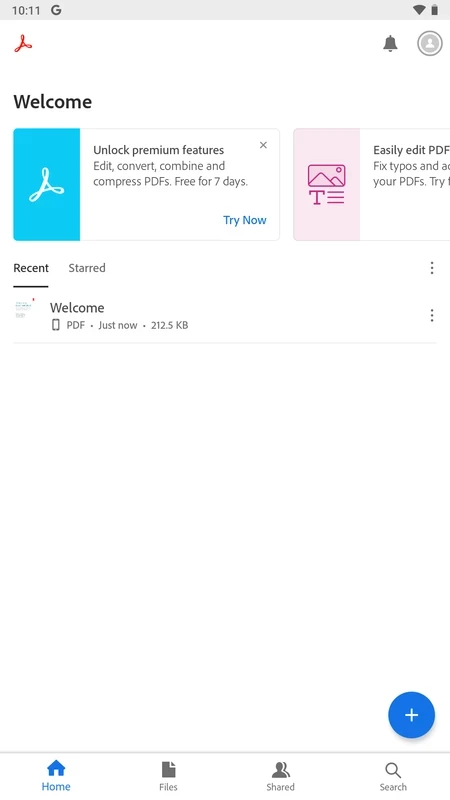
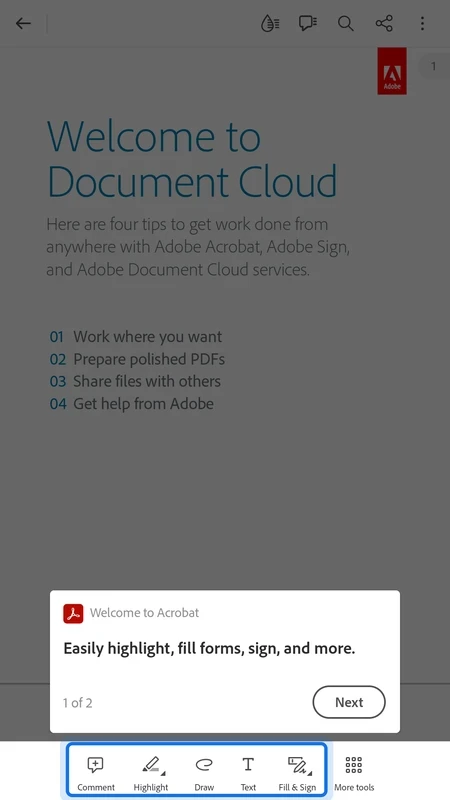
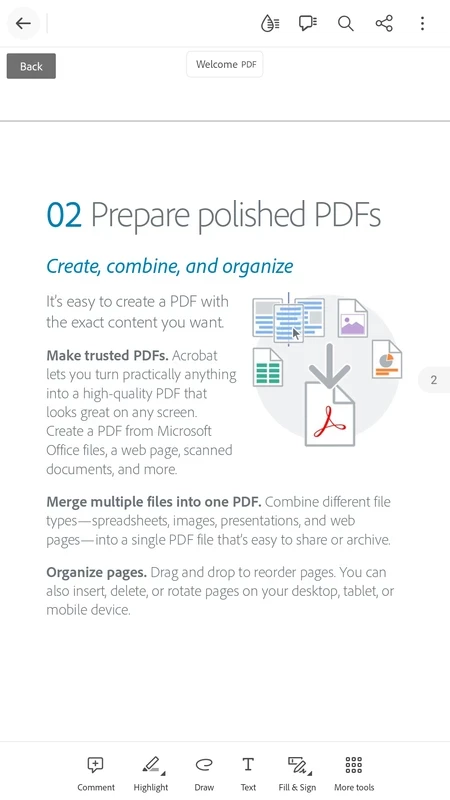
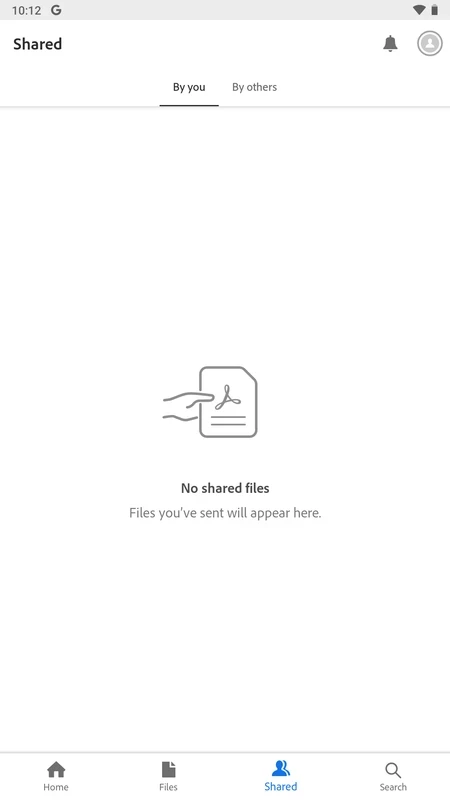
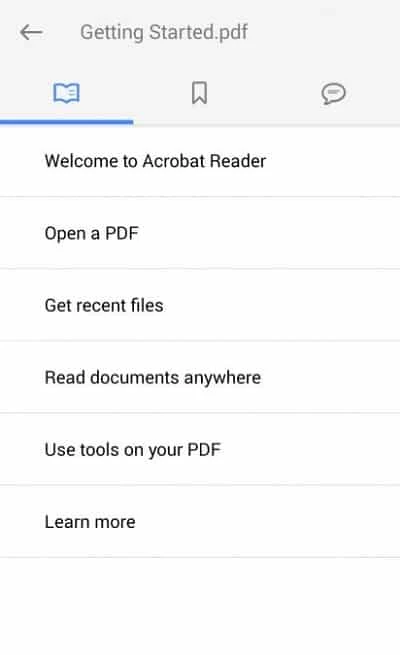
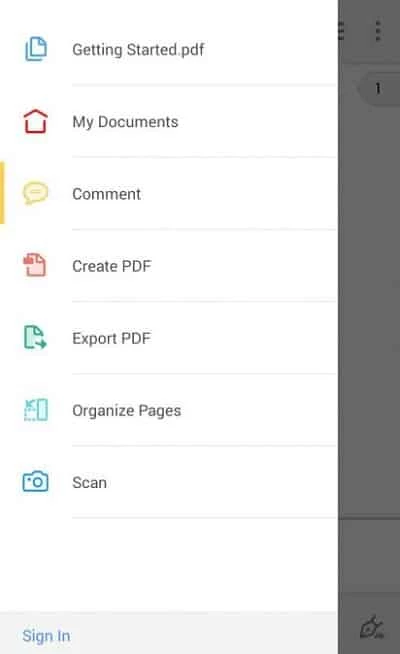
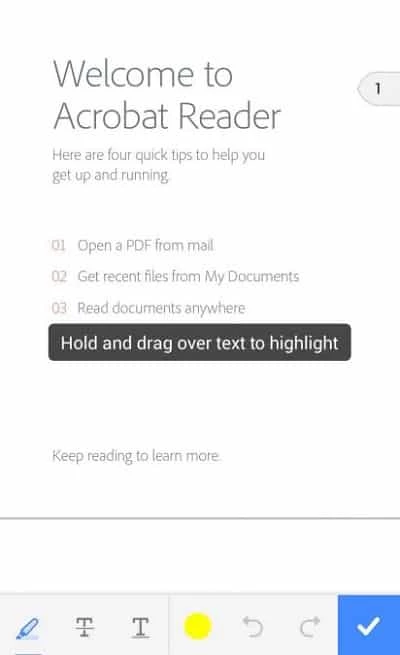
Adobe Acrobat Reader 26.6.1.45942 for Android is Adobe's PDF viewer for phones and tablets, and you can download it free from Google Play. It opens, displays and annotates Portable Document Format files, the format Adobe itself introduced with Acrobat in June 1993.
| App | Adobe Acrobat Reader |
|---|---|
| Version | 26.6.1.45942 |
| Developer | Adobe |
| Platform | Android |
| Also available for | Windows, macOS, iOS |
| License | Freeware (proprietary) |
| Category | Office and business tools |
| Updated | September 2026 |
| Size | about 166.42 MB according to catalogue data |
Acrobat is Adobe's family of software for viewing, editing and managing PDF files, and Reader is the free member of that family. On Android it covers what most people need from a PDF on the go. You open a contract, a boarding pass or a school handout from email or cloud storage, zoom and scroll comfortably, search the text, and add highlights or comments. Filling in forms and adding a signature are the tasks people install it for most often, because they save printing and scanning a document just to sign one page. The app also keeps a list of recent files, so you can come back to the document you were reading yesterday without searching for it again. Editing the text of a PDF, merging files or converting them to other formats belong to Adobe's paid plans.
Product information is on adobe.com/acrobat, and changes are summarised in Adobe's release notes.
Google Play decides compatibility for Android devices, so if you see the Install button, the app will run. Adobe publishes separate system requirements for the desktop versions on Windows and macOS.
Set Acrobat Reader as the default app for PDF files so documents from email and messengers open in it directly. If you sign things often, save your signature once and reuse it. Large scanned PDFs can be slow on older phones; closing other apps before opening them helps.
Install Reader from Google Play only. PDFs themselves can carry phishing links, so be careful with documents from unknown senders and do not tap links inside them without checking where they lead. Keeping the app updated closes known security holes.
Reading, commenting, filling forms and signing are free. Adobe sells subscriptions that add editing, exporting and combining files.
Google Docs and Microsoft Word also open documents on Android and are in the same office category, though they are built for editing text rather than reading PDFs.
Microsoft Word for Android is the mobile version of Microsoft's word processor. This page covers build 16.0.20228.20090.
Google Sheets is Google's free spreadsheet app with real-time collaboration. This page covers the Android app, version 1.26.351.01.90.
Google Docs is Google's free word processor with real-time collaboration. This page covers the Android app, version 1.26.351.03.90.
Microsoft Excel for Android is Microsoft's spreadsheet app for phones and tablets. This page covers build 16.0.20228.20090.